Dirancang untuk dunia kerja hibrid, Windows 11 dapat membantu Anda bekerja lebih mudah dan lancar dari mana saja. Beli dan unduh Windows 11 untuk Profesional untuk menikmati:
UX yang sederhana dan canggih membantu meningkatkan produktivitas dan fokus.
Fitur baru memungkinkan Anda memaksimalkan ruang desktop yang tersedia.
Kompatibilitas aplikasi dan manajemen cloud mempermudah adopsi.
OS siap Zero Trust membantu melindungi data dan akses, ke mana pun bisnis membawa Anda.
Processor
1 gigahertz (GHz) or faster with 2 or more cores on a compatible 64-bit processor or System on a Chip (SoC).
RAM
4 gigabyte (GB).
Storage
64 GB or larger storage device Note: See below under “More information on storage space to keep Windows 11 up-to-date” for more details.
System firmware
UEFI, Secure Boot capable. Check here for information on how your PC might be able to meet this requirement.
Compatible with DirectX 12 or later with WDDM 2.0 driver.
Display
High definition (720p) display that is greater than 9” diagonally, 8 bits per colour channel.
Internet connection and Microsoft account
Windows 11 Pro for personal use and Windows 11 Home require internet connectivity and a Microsoft account during initial device set-up.
Switching a device out of Windows 11 Home in S mode also requires internet connectivity. Learn more about S mode here.
For all Windows 11 editions, internet access is required to perform updates and to download and take advantage of some features. A Microsoft account is required for some features.
Activate Windows dengan Product key
PRODUCT KEY: XXXXX-XXXXX-XXXXX-XXXXX-XXXXX
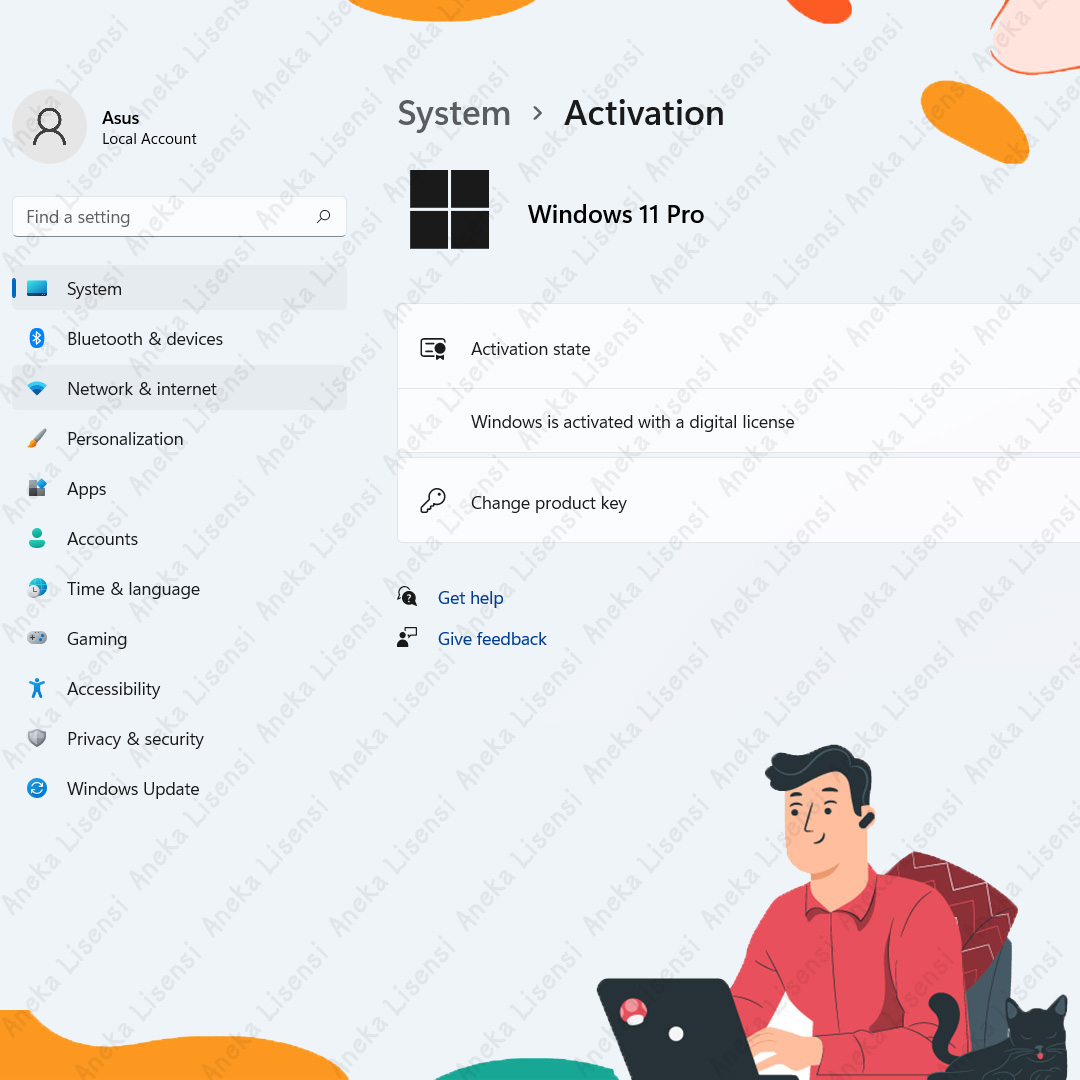
During installation, you'll be prompted to enter a product key. Or, after installation, to enter the product key, select the Start button, and then select Settings > System > Activation > Update product key > Change product key.